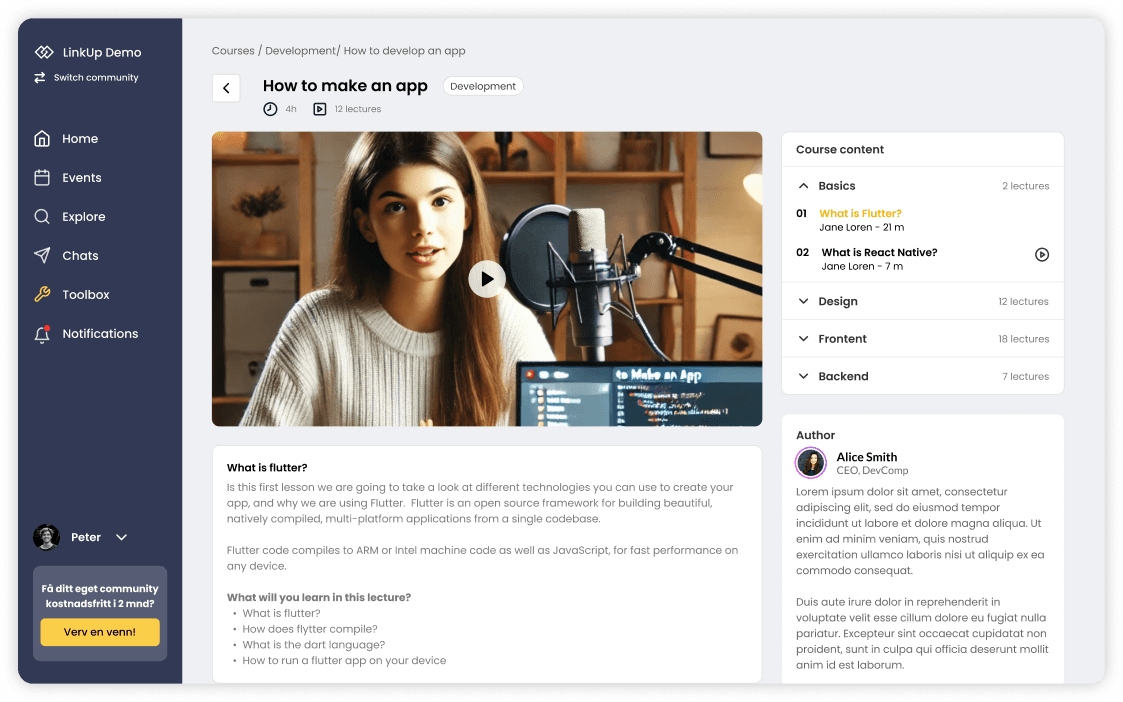
All of LinkUp – in the browser too
From the web portal, users have access to the same features as in the app – and administrators run the whole communication platform. Perfect for those working from a computer.
Admin portal
The tool your organisation uses to run the network – no technical skills required.
- Dedicated login for administrators
- User overview
- Blocking users
- Moderation of posts on the news feed
- Publishing news
- Publishing and managing events
- Sending notifications to users
- Creating groups and companies
LinkUp WEB
Makes all app features available on the web for every user – everything in the admin portal, plus:
- Login for all users
- Private messages and group conversations
- Chat channels
- Event overview with registration
- Ticket purchases
- Notifications
- Publishing posts
- Personal profiles
- Explore users and groups
Users get access to all the features chosen for their app.
Everything users need – in the browser
News feed
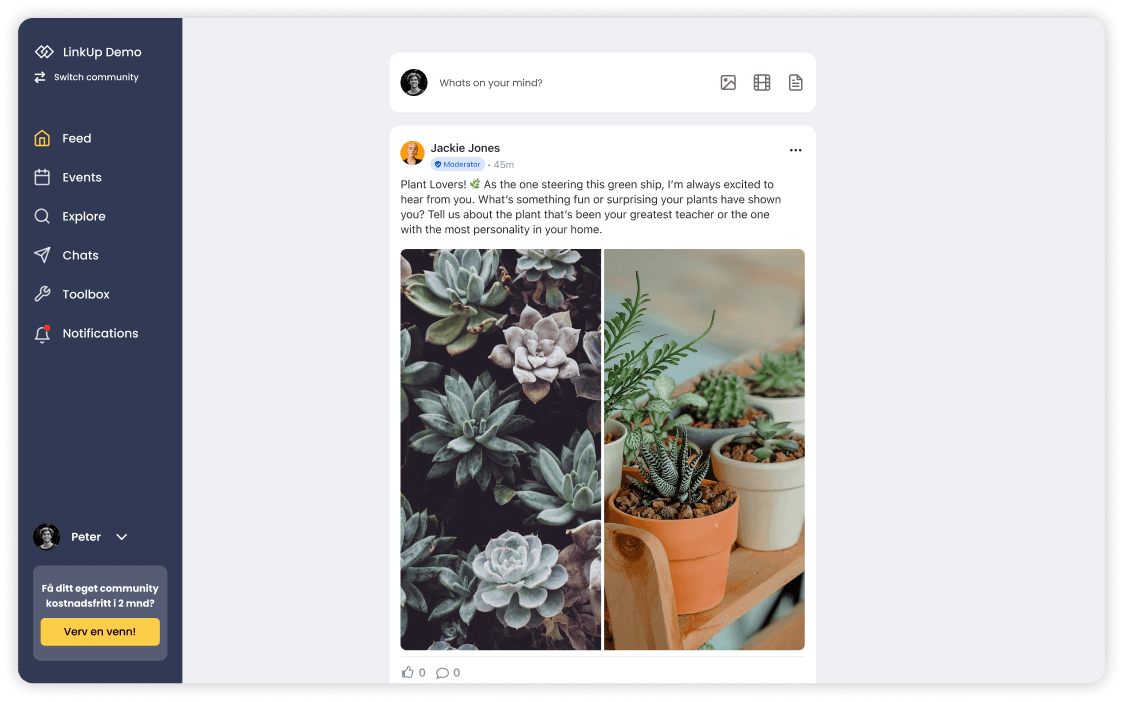
The web portal has its own feed where users publish, comment and like posts – and can click through to each other's profiles.
- A dedicated feed for publishing posts
- Administrators moderate content right from the feed
- News is marked as “latest news” and sent as a push notification to all users
Events
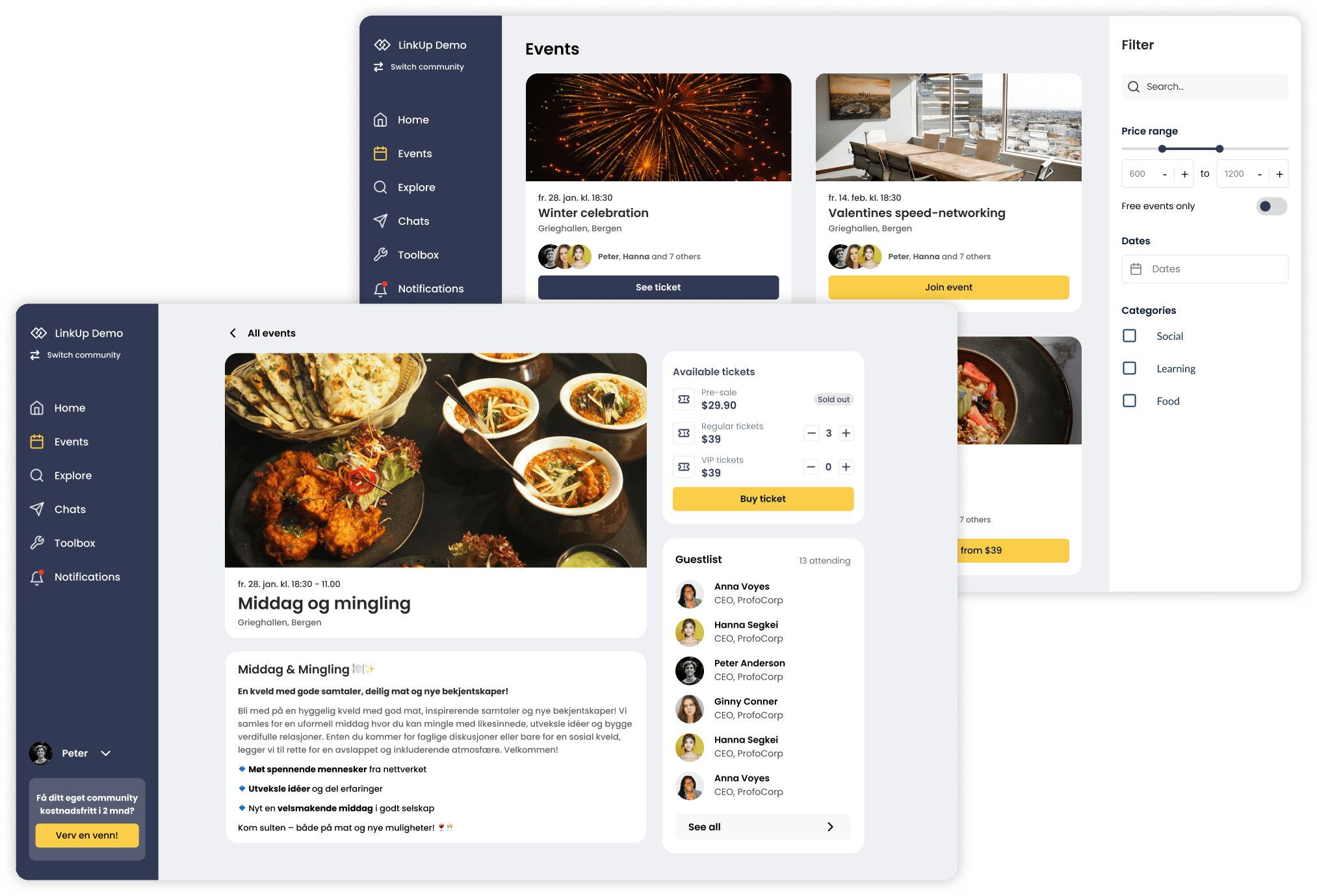
Plan, manage and promote events – from internal meetings and courses to larger network gatherings.
- Full overview with time, place, attendee count and image – with search and filtering
- Members, and non-members for public events, can register or buy tickets
- Waiting list with a push notification when a spot opens up
- Administrators set up ticket types, view attendee lists and send reminders
Conversations and channels
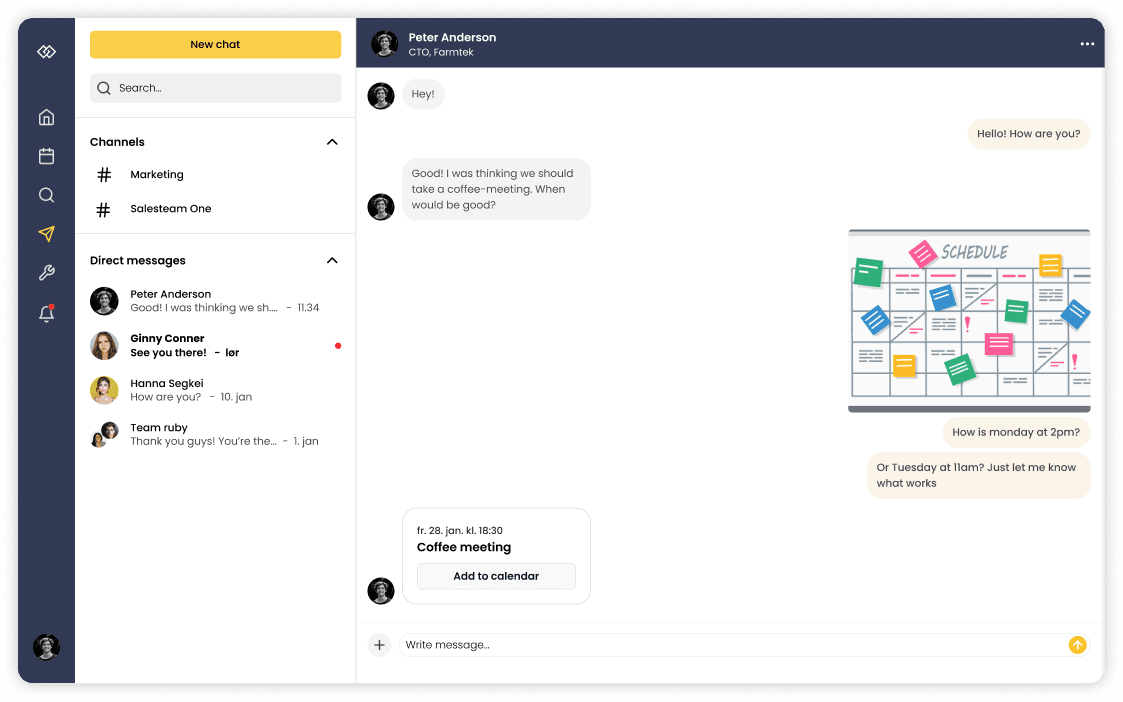
Stay in touch with colleagues, members and partners – right in the browser.
- Private messages to individuals or groups
- Themed channels like in Slack and Discord – open or private
- Share files and images, and invite to meetings right in the chat – meetings go straight to external calendars
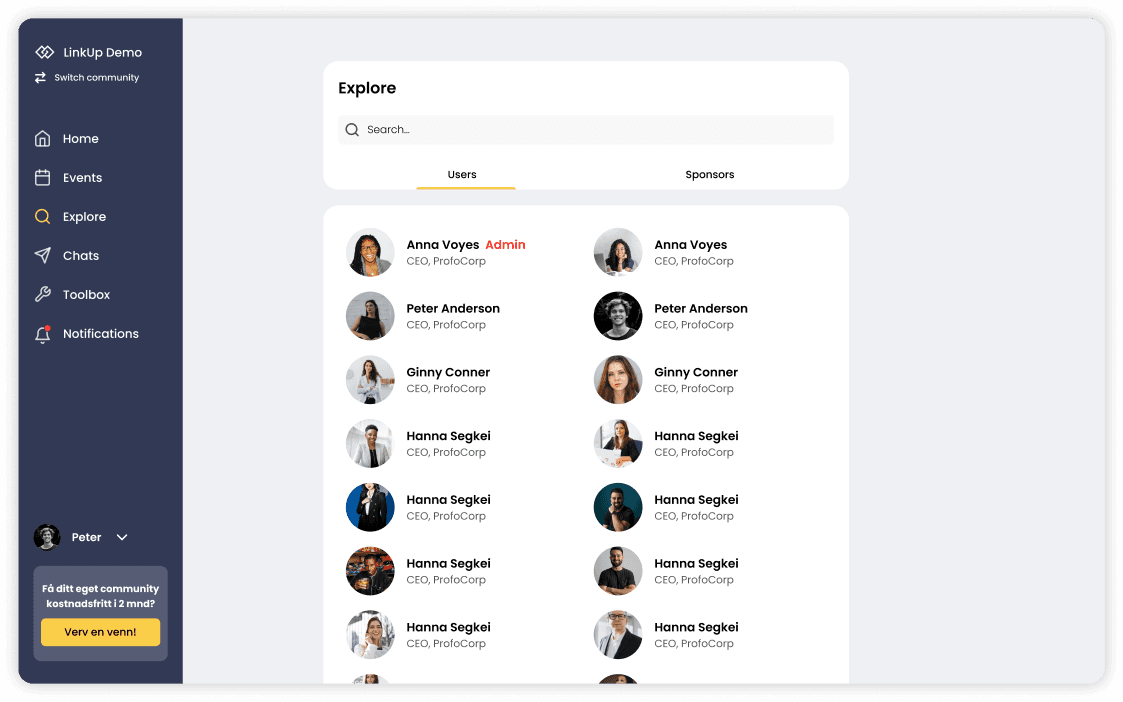
Explore the network
Find and connect with relevant people, departments and companies in the network.
- Explore users and teams – companies, sponsors, locations and more
- Teams can be grouped, for example into sponsor levels
- Users can belong to several teams, such as both a department and a location
- Administrators follow up reported users and can block when needed
Notifications
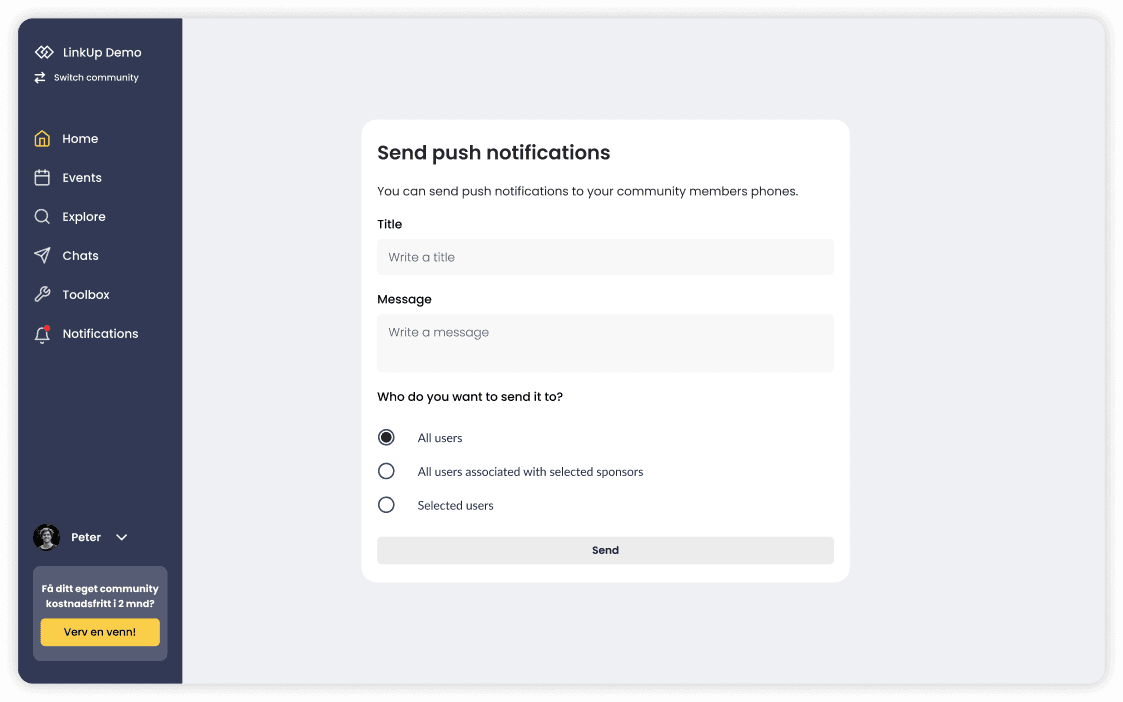
Send push notifications and keep users up to date in real time – to everyone, selected teams or individuals.
- Custom notifications from a dedicated window in the admin portal
- Automatic push notification when news is published
- Optional push notification when new events are published
Courses and tools
The tools that simplify your workflow – gathered in one platform.
- Courses and training: create, organise and assign courses to users or teams
- File sharing with access control – full control over who sees what
- A central overview of files, handbooks, surveys and Q&A